Imagine your customers no longer having to read through hundreds of reviews or painstakingly compare technical spec sheets. Instead, they have a conversation with an AI assistant that knows your product portfolio down to the smallest detail. Amazon Rufus is currently changing the way people shop on the marketplace. For you as a seller or vendor, this means: whoever understands the logic behind Rufus secures a massive competitive advantage. In this article, you'll learn everything about the technology, the features, and how to make your listing "Rufus-ready."
What is Amazon Rufus?
Amazon Rufus is a generative, AI-powered shopping assistant integrated directly into the Amazon Shopping app and the desktop website. It is based on a specialized Large Language Model (LLM) from Amazon and has been trained to make the shopping experience more intuitive and conversational.
The current status in Germany
Rufus is currently still in beta in Germany and Austria. This means the features are being continuously expanded, and the system learns from every piece of user feedback. Rufus draws on a gigantic data base: the entire Amazon product catalog, millions of customer reviews, community Q&A, as well as relevant information from the open web.
Relevance in numbers
Current user statistics show that this is not a short-lived experiment:
- Over 250 million customers worldwide already used Rufus in 2025.
- Monthly active users have increased by 149%.
- In addition, interactions with the AI have increased by 210% year over year.
- The decisive factor: Customers who use Rufus during their shopping trip complete their purchase with a more than 60% higher probability.
Rufus reduces the classic "tab-hopping" — jumping back and forth between different product pages — and instead guides the customer directly to a purchase decision within the chat.
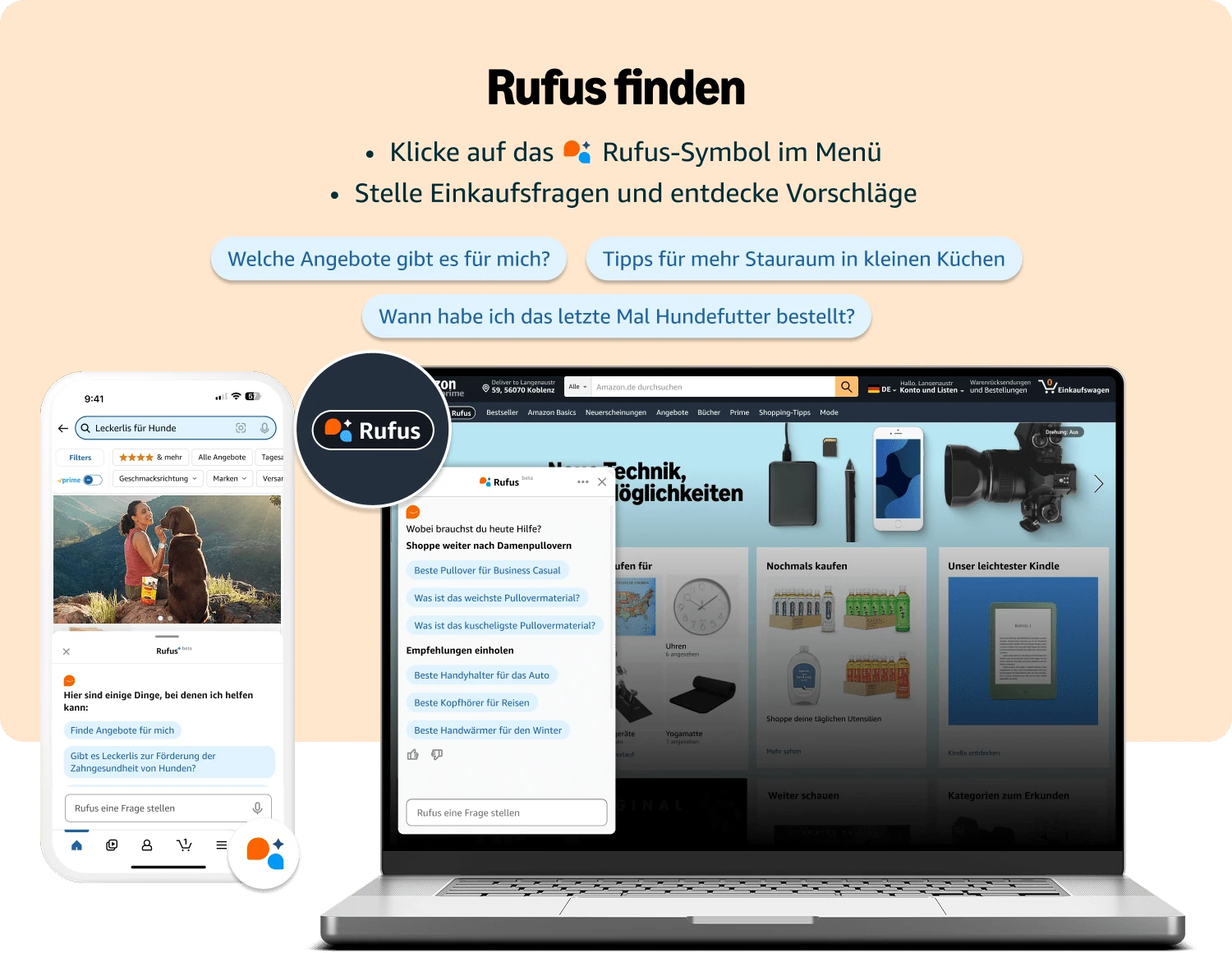
The core features: How Amazon Rufus advises customers
Rufus acts as a digital sales advisor that guides your customers through the entire sales funnel. To understand how you need to position your product, you should know the five central use cases:
Individual shopping advice & planning
Customers often use Rufus at the beginning of their journey. Instead of searching for "running shoes," they ask: "What do I need for my first marathon?". Rufus then creates a structured list of recommendations.
Direct product comparisons
A customer might ask: "What's the difference between the air fryer model X and model Y?". Your goal must be for your unique selling points (USPs) to be stated so clearly in the content that Rufus actively uses them as a decision-making aid.
Specific product questions (deep dive)
If a customer is already on your page (PDP), they can ask Rufus targeted questions, such as: "Is this jacket machine washable?". Rufus scans your listing in milliseconds for the answer.
Customer sentiment analysis
Rufus summarizes reviews into an honest sentiment picture. It communicates both praise and criticism very transparently ("What do customers say about durability?").
Status inquiries and after-sales
Even after purchase, Rufus helps with questions like "Where is my order?", which lowers the barrier for customer service.
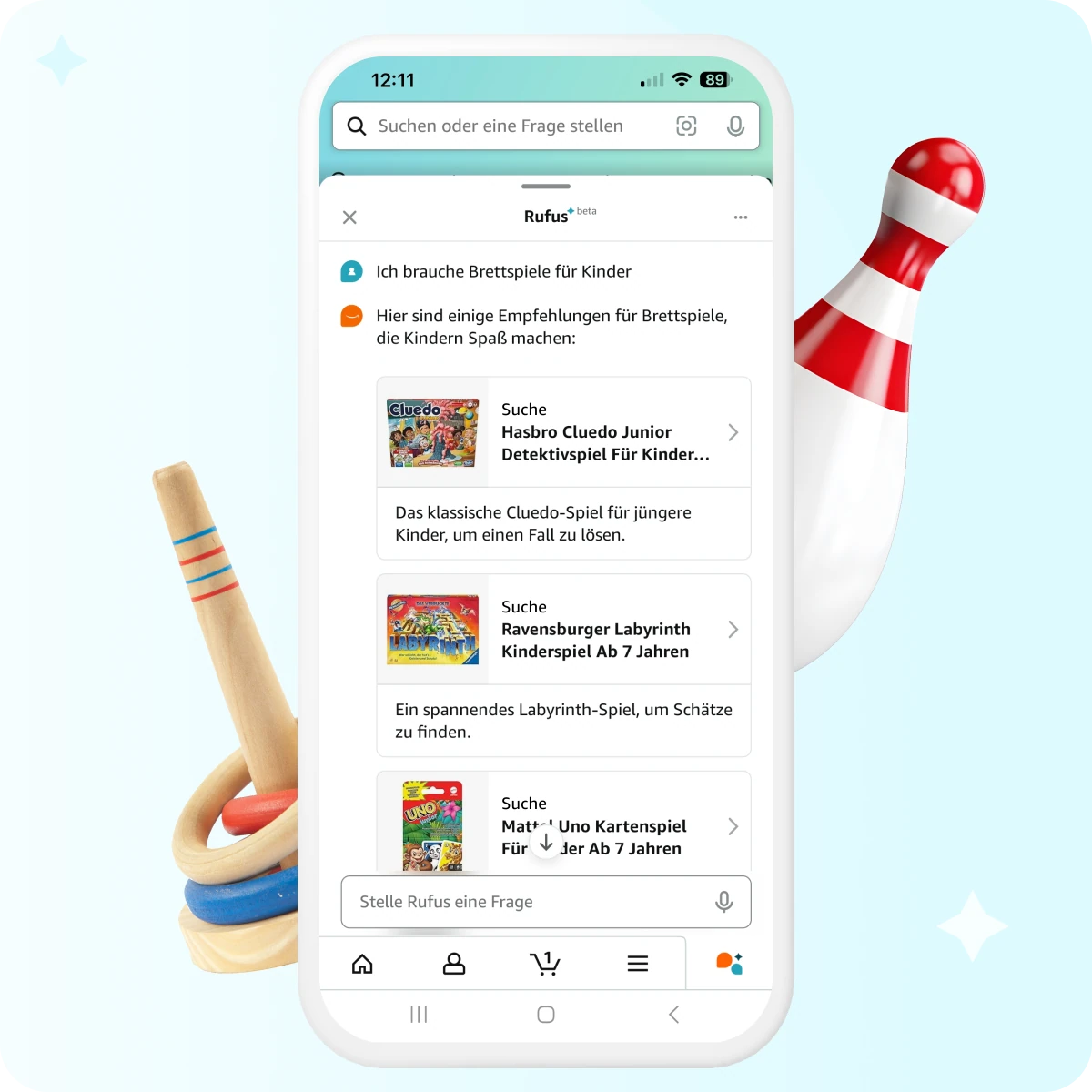
The technology: How Rufus "reads" your listing
To become Rufus-ready, you need to understand how the AI processes information. Rufus doesn't just use text — it literally "sees" your products.
→ Generative power (LLM): The shift from keywords to context
Until now, Amazon search was a pure "match machine." Rufus, by contrast, uses generative AI (LLM) to understand the meaning behind a question. The special thing: Rufus keeps track of the thread of the conversation. If a customer asks "Does it also come in blue?" and then "Is it waterproof?", Rufus knows through the AI's contextual memory that both questions relate to the same item.
→ Vision-language models & OCR (text recognition)
A technological milestone is OCR (Optical Character Recognition). Rufus can read text within your images. If you have infographics with technical seals or ingredients, this information is captured by Rufus. Your images now serve as a structured data source for the AI.
→ MIVC (Multi-Image Interpretation)
Rufus combines the information from your entire gallery. It recognizes the difference between a studio shot and a lifestyle image and uses this visual context to answer questions about design or size relative to the surroundings.
Practical tip: Your strategy checklist for Amazon Rufus
We're experiencing a massive shift: classic keyword logic (SEO) is being complemented by GEO (Generative Engine Optimization). Use the following checklist to adapt your content to Rufus and optimize it for AI recommendation:
→ Content & text strategy
Title optimization
Focus on depth of detail. Data shows that longer titles (166–199 characters) perform better, as they give the AI the context it needs.
Structured bullet points
Use exactly five precise bullet points. Phrase them in natural language and focus on a problem-solution approach.
A+ Content as a must
Over 87% of recommended products use A+ Content. The more validated data Rufus finds there, the more confident the recommendation. In the Premium A+ variant, you should include an FAQ section to pre-answer possible customer questions.
→ Visual SEO & AI readability
- Design infographics to be OCR-friendly: Make text in images large, clear, and high-contrast. Important USPs (e.g. "BPA-free") should appear in the image.
- Image variety & video: The "sweet spot" is 7–9 images. Be sure to include a video, as this offers a clear advantage in AI perception.
→ Social proof & logistics
- Clear the rating hurdle: A star rating of at least 4.0 (preferably 4.5) is the basic requirement. Rufus proactively communicates negative reviews.
- Fulfillment: Over 92% of recommended products are Prime-eligible (FBA). Fast logistics is a trust signal for Rufus.
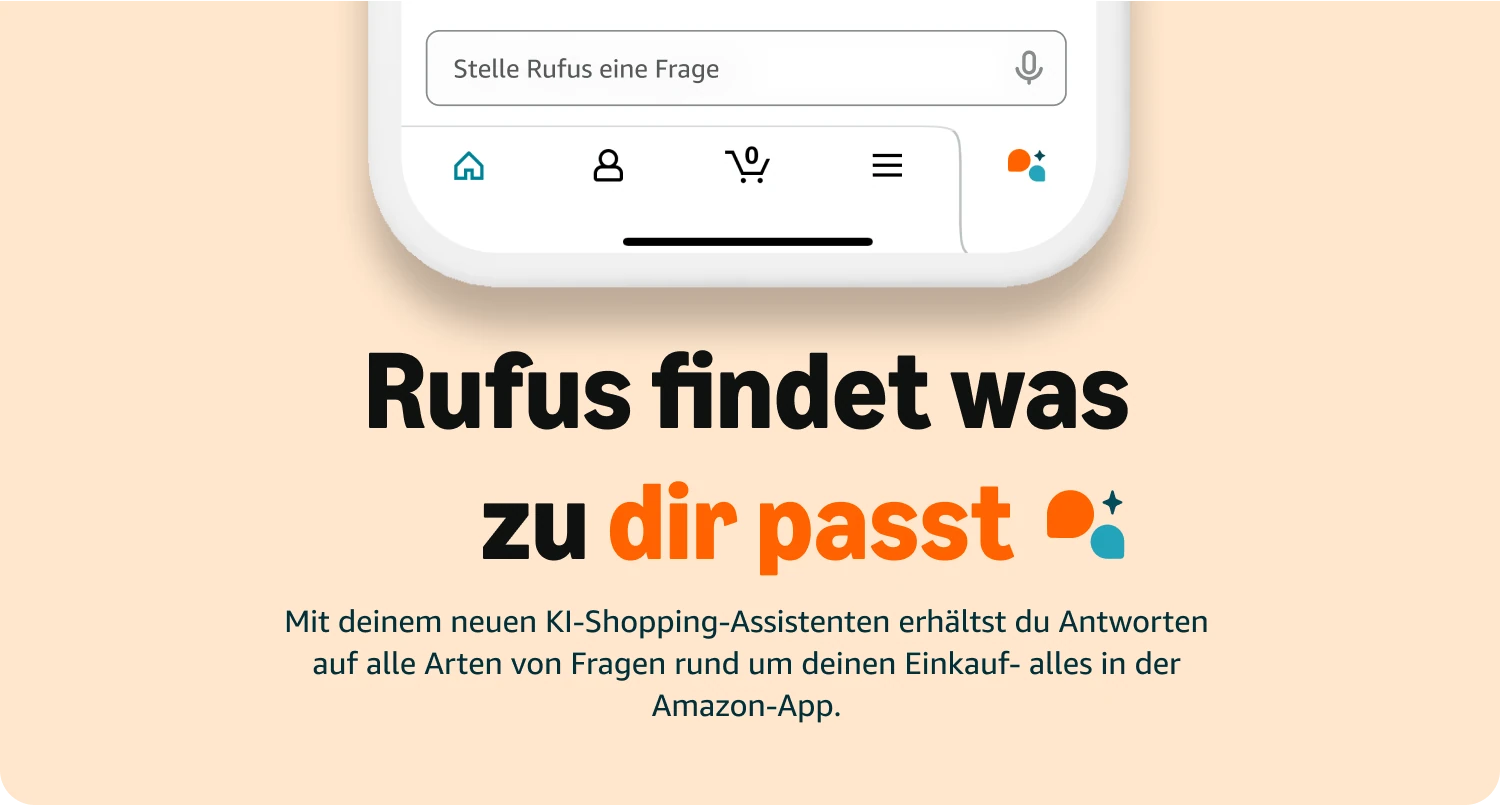
Insider tip: Finding data gaps through an "AI interview"
The most effective way to find out what Rufus doesn't know about your product is to test the AI directly. Go to your own product detail page as a "customer" and open the Rufus chat window.
Ask the AI targeted questions a customer might have:
- "Is this product free of [ingredient]?"
- "Does the device fit in a standard drawer?"
- "What do customers say about longevity compared to [competitor]?"
The analysis:
Does Rufus answer precisely?
Then your data is well maintained.
Does Rufus say "I can't answer that" or "No information is available on this"?
Then you've identified a content gap.
Does Rufus rely only on reviews?
Then these hard facts are missing from your static content (bullets/A+).
These "interviews" show you exactly where you need to improve information in the text or in the infographics.
⚡ Free download: The Rufus checklist for vendors & sellers
Too much at once? Download our compact checklist here and check your listing step by step for its AI-readiness.
Challenges and limitations of Amazon Rufus
Despite the impressive numbers, there are challenges. Since Rufus is still in beta, "hallucinations" occasionally occur: the AI can link facts incorrectly. In addition, professional advice on medical or legal topics is excluded.
An interesting aspect: many users are currently looking for ways to disable Amazon Rufus. This is often because the chat window is perceived as distracting, or customers prefer the familiar search. For you, this means: Rufus is a powerful tool, but it still has to earn the trust of some users.
What's more, Rufus is brutally honest. If your reviews say the material is low quality, Rufus will proactively share that in the chat. You can no longer control your image through marketing copy alone, since product quality becomes radically transparent through the AI.
Conclusion: The future of shopping is a dialogue
Amazon Rufus AI is a paradigm shift. The transition from keyword search to individual advice means that, as a seller or vendor, you need to optimize your content for an AI that understands it. Whoever does their homework today is preparing for the AI search of the future. In the US, over 500 external stores are already connected to Rufus — the vision is clear: Rufus aims to aggregate the entire internet's shopping knowledge.
FAQ – Frequently asked questions about Amazon Rufus
An AI-powered shopping assistant from Amazon that helps customers find and compare products and get questions answered in a dialogue.
There is no permanent setting to disable it; however, users can minimize or close the chat window.
The AI uses product data, reviews, community questions, and web information.
Yes, through OCR and visual models, Rufus captures text and context in your images.